If you’re looking for an alternative to PDFsam, you’ve come to the right place. In this article, we’ll discuss the top alternatives to PDFsam and review their features, price, pros, and cons. Let’s get started!
PDFsam is the perfect solution for anyone who needs to merge, split, extract pages or rotate PDF documents. It’s free and open-source, making it a great choice for budget-conscious businesses and individuals. With a variety of settings options, PDFsam makes it easy to get exactly the results you need from your PDF files.
For example, it lets you merge PDF files by selecting entire documents or subsections of them. You can also generate a table of contents, normalize page size, and add blank pages. With PDFsam Basic, you can split PDF files in several ways. Finally, there is an option to rotate your file, which will allow for multi-page rotation without them being merged together first!!
PDFsam Pros:
- It’s an intuitive software that offers many features to help you create, edit, encrypt, decrypt, rotate, or sign PDF documents easily.
- You can choose from 3 versions – Basic/Visual/Enhanced experience, which will satisfy your unique requirements.
- Offers a Basic free version and supports Windows, MacOS, Linux, etc.
PDFsam Cons:
- The most common reason for not choosing PDFsam is that it takes too long to install or update the program.
- The second con is pop-up windows reminding you of features in the Pro version, which can be distracting when working on something important.
- PDFsam Enhanced is not available for Mac and Linux. You will have to go for PDFsam Visual.
11 PDFsam Alternatives (Free, Open-Source) in 2026:
1. SodaPDF
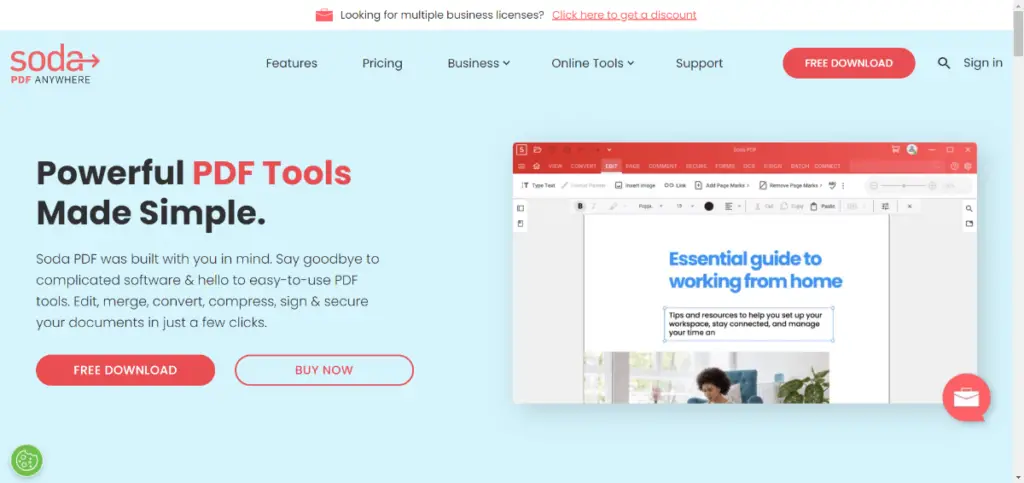
SodaPDF is a great alternative to PDFsam with a wide range of features and benefits. It lets you create, edit, sign, and share PDF files easily. It also comes with a built-in OCR tool that lets you convert scanned documents into PDFs. Additionally, SodaPDF offers a free trial so you can try out its features before you buy it.
2. PDFelement
PDFelement is another great alternative to PDFsam. It offers a wide range of features, including PDF editing, conversion, annotation, form filling, and more. Additionally, PDFelement has a built-in OCR tool that lets you convert scanned documents into PDFs. It also offers a free trial so you can try out its features before you buy it.
See Also: Best Apps for Academic Writers and College Students
3. Sejda
Sejda is a free alternative to PDFsam with many features, including PDF editing, conversion, annotation, form filling, and more. Additionally, Sejda has a built-in OCR tool that lets you convert scanned documents into PDFs.
4. PDF Architect
PDF Architect is a great PDF editor that offers a wide range of features, including PDF editing, conversion, annotation, form filling, and more. It also has a built-in OCR tool that lets you convert scanned documents into PDFs. Additionally, PDF Architect offers a free trial so you can try out its features before you buy it.
5. Foxit PhantomPDF
Foxit PhantomPDF is another great alternative to PDFsam with a wide range of features and benefits. It lets you create, edit, sign, and share PDF files easily. Additionally, Foxit PhantomPDF offers a free trial so you can try out its features before you buy it.
6. PrimoPDF
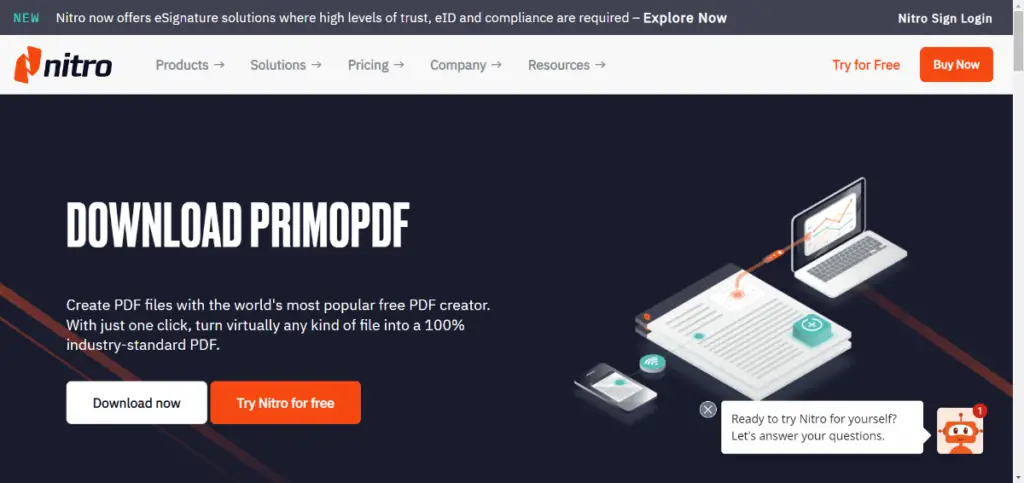
PrimoPDF is a great PDF converter that lets you convert any document into a PDF. It also offers a wide range of features, including PDF editing, conversion, annotation, form filling, and more. Additionally, PrimoPDF offers a free trial so you can try out its features before you buy it.
You May Like: 5 Best Microsoft Office Alternatives
7. CutePDF Writer
CutePDF Writer is a wonderful alternative for those who don’t want to spend money on PDF creation. It has many features, including PDF editing, conversion, annotation, form filling, and more. CutePDF Writer also has a free trial so you can use its capabilities before purchasing it.
8. Bullzip PDF Printer
Bullzip PDF Printer is a fantastic alternative to PDFsam, which allows you to generate PDFs for free. It has a lot of capabilities, including PDF editing, conversion, annotation, form filling, and more. Bullzip PDF Printer also includes a free test period so you can try out the features before buying it.
9. PDF995
Convert Pages to PDF is a fantastic alternative to PDFsam that allows you to create PDFs for free. It has a lot of features, including PDF editing, conversion, annotation, form completion, and more. Furthermore, PDF995 offers a free trial so you can test the program’s capabilities before purchasing.
10. ProPDF
ProPDF is a browser-based PDF platform that covers a wide range of document tasks without requiring any software installation. It includes tools for merging, splitting, compressing, converting, rotating, and editing PDF files, all accessible from one place. What sets it apart from many alternatives is that users can get started without creating an account or running into immediate paywalls. The interface is clean and straightforward, making it easy to complete tasks quickly, even for those who don’t work with PDFs regularly. ProPDF runs entirely in the browser, so it works across Windows, Mac, and mobile devices without compatibility issues.
11. PDFCreator
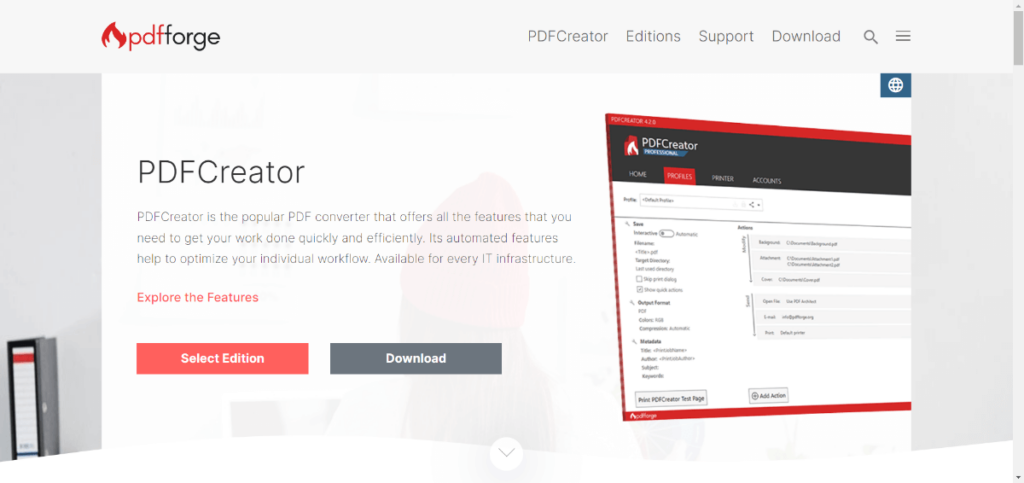
Another smart choice for PDF creators is PDFCreator, which allows you to create PDFs for free. It has many features, including PDF editing, conversion, annotation, form filling, and more. Furthermore, PDFCreator offers a free trial so you can test the features before purchasing.
See Also: 15 SketchUp Alternatives | Free 3D Modeling Software
Conclusion
PDFsam is a great program, but it’s not the only one out there. If you want to try something different or if it doesn’t quite fit your needs, you can choose any of the above-listed alternatives. Each of them has unique features and benefits that may be perfect for your business.
We hope this article was helpful and that you find the perfect software for your needs. If you have any suggestions, please leave comments below.

Hi there! I’m Nick Cullen. As the Senior Content Editor with Solution Suggest, my responsibility is to scrutinize and refine our articles and reviews, focusing on software solutions, games, apps, and websites. I’m dedicated to delivering reliable and enlightening content that offers viable alternatives to your current digital tools. If you have any suggestions or inquiries, you can reach me at editor@solutionsuggest.com. Also, I invite you to connect with me on LinkedIn!