WordPress has been one of the most widely used website platforms for years, and for good reason. It offers extensive customization, thousands of themes and plugins, strong content management capabilities, and the flexibility to build everything from a personal blog to a large business website.
However, WordPress is not necessarily the best solution for every website owner.
Managing hosting, security, updates, plugins, backups, performance, and compatibility can become time-consuming. Businesses that want a simpler website-building experience may prefer a hosted platform, while ecommerce businesses may need a platform designed specifically around selling products.
The good news is that there are now several powerful WordPress alternatives in 2026, each designed for different needs. Wix focuses on simplicity, Shopify specializes in ecommerce, Webflow provides advanced visual design control, Ghost is built around publishing, and platforms such as HubSpot CMS focus heavily on marketing and customer management. Current 2026 comparisons similarly show that there is no single alternative that is best for every type of website.
In this guide, we will explore the 10 best alternatives to WordPress, their major features, advantages, limitations, ideal use cases, and how they compare with WordPress.
Why Look for a WordPress Alternative?
Before choosing another platform, it is important to understand why businesses and creators consider moving away from WordPress in the first place.
WordPress itself is not inherently difficult, but a self-hosted WordPress website often requires several separate components. You may need to purchase hosting, select a theme, install plugins, configure security, maintain backups, optimize performance, and keep everything updated.
For a technically experienced website owner, this flexibility can be an advantage. For a small business owner who simply wants a professional website without managing the technical side, it can become a burden.
Some common reasons people consider WordPress alternatives include:
- Plugin and theme maintenance
- Website security management
- Hosting configuration
- Performance optimization
- Technical learning curve
- Plugin compatibility issues
- Desire for an all-in-one platform
- Need for specialized ecommerce features
- Need for advanced visual design
- Simpler content publishing workflows
The alternative you choose should therefore solve a specific problem rather than simply being “better than WordPress.”
Top 10 Best WordPress Alternatives
| Rank | Platform | Best For | Main Advantage |
| 1 | Wix | Small businesses & beginners | Easy all-in-one website building |
| 2 | Shopify | Ecommerce | Powerful online selling features |
| 3 | Webflow | Designers & professional websites | Advanced visual design control |
| 4 | Squarespace | Creatives & service businesses | Excellent templates and design |
| 5 | Ghost | Bloggers & publishers | Fast publishing and memberships |
| 6 | Framer | Startups & modern websites | Design, animation and AI-assisted creation |
| 7 | HubSpot Content Hub | Marketing-focused businesses | CMS + CRM + marketing integration |
| 8 | Duda | Agencies & freelancers | Client management and scalable site building |
| 9 | Drupal | Enterprise websites | Security, scalability and flexibility |
| 10 | Joomla | Advanced content websites | Open-source flexibility and permissions |
These platforms cover different website requirements rather than competing for exactly the same audience. Current comparisons also place Wix, Shopify, Webflow, Squarespace, Ghost, Framer, HubSpot, Duda, Drupal and Joomla among the notable alternatives depending on the project’s requirements.
1. Wix – Best WordPress Alternative for Beginners and Small Businesses
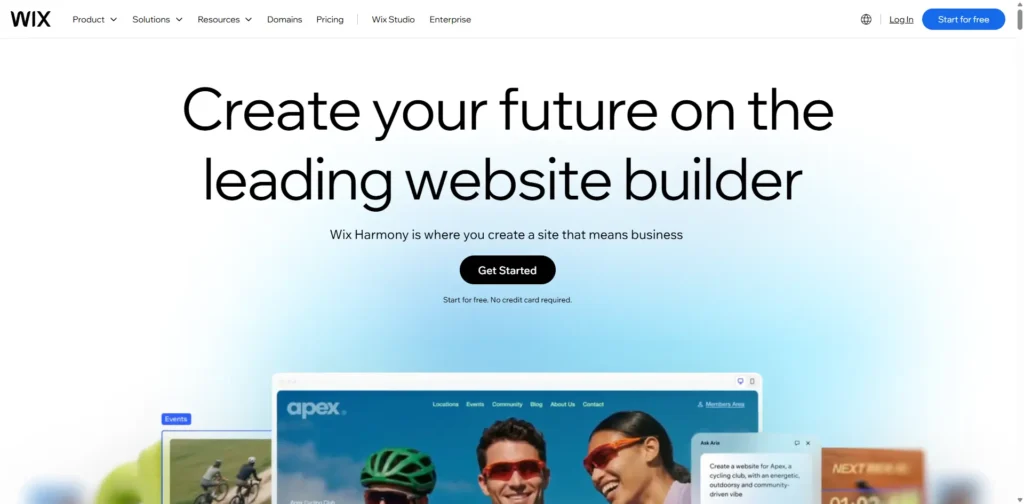
Best for: Small businesses, freelancers, restaurants, service providers, portfolios and beginners.
Wix is one of the most popular alternatives to WordPress for people who want to build a website without dealing with hosting configuration or extensive technical maintenance.
Its drag-and-drop approach allows users to create pages visually. Wix also offers templates, built-in business tools, ecommerce functionality, SEO features and AI-assisted website creation.
Recent 2026 website-builder comparisons continue to rank Wix highly for ease of use and all-in-one website creation.
Key Features
- Drag-and-drop website builder
- AI-assisted website creation
- Professional templates
- Built-in hosting
- Ecommerce functionality
- Blogging tools
- SEO settings
- Marketing integrations
- Appointment and business tools
- Analytics capabilities
Advantages of Wix
The biggest advantage of Wix is simplicity. A small business owner can create and manage a website without needing extensive knowledge of servers, plugins or coding.
It is also useful for businesses that want multiple features under one platform instead of combining WordPress with separate hosting, plugins and third-party services.
Disadvantages of Wix
The simplicity comes with a trade-off. Advanced developers may find Wix less flexible than self-hosted WordPress.
Moving an established website to another platform can also be more complicated than simply changing a WordPress host.
Wix vs WordPress
Choose Wix over WordPress if ease of use and managed hosting are more important than maximum technical flexibility.
Choose WordPress if you need extensive customization, complex content structures or complete control over your hosting environment.
2. Shopify – Best WordPress Alternative for Ecommerce

Best for: Online stores, DTC brands, retailers, product businesses and ecommerce companies.
If the primary purpose of your website is selling products online, Shopify deserves serious consideration.
While WordPress can become a powerful ecommerce platform through WooCommerce, Shopify was designed around ecommerce from the beginning. Its ecosystem includes product management, checkout, payments, inventory, shipping integrations, analytics and ecommerce applications.
Current 2026 comparisons consistently identify Shopify as one of the strongest choices for businesses whose primary goal is selling products online.
Key Features
- Product catalog management
- Shopping cart and checkout
- Payment integrations
- Inventory management
- Shipping tools
- Discount and promotional features
- Ecommerce analytics
- Large app ecosystem
- Mobile-friendly storefronts
- Multiple sales channels
Advantages of Shopify
Shopify reduces much of the technical work involved in launching an ecommerce website.
Instead of configuring WordPress hosting, WooCommerce, payment plugins, security plugins and various ecommerce extensions separately, Shopify provides a more integrated environment.
It is particularly attractive for businesses that want to focus on products, marketing and sales rather than website infrastructure.
Disadvantages of Shopify
Shopify can become expensive as businesses add apps and advanced functionality.
It also offers less underlying flexibility than a completely self-hosted WordPress website. Businesses that require highly customized content structures may prefer WordPress or another CMS.
Shopify vs WordPress
Choose Shopify when ecommerce is the primary objective.
Choose WordPress + WooCommerce when you want greater control over the website’s content, code and hosting environment.
3. Webflow – Best WordPress Alternative for Designers
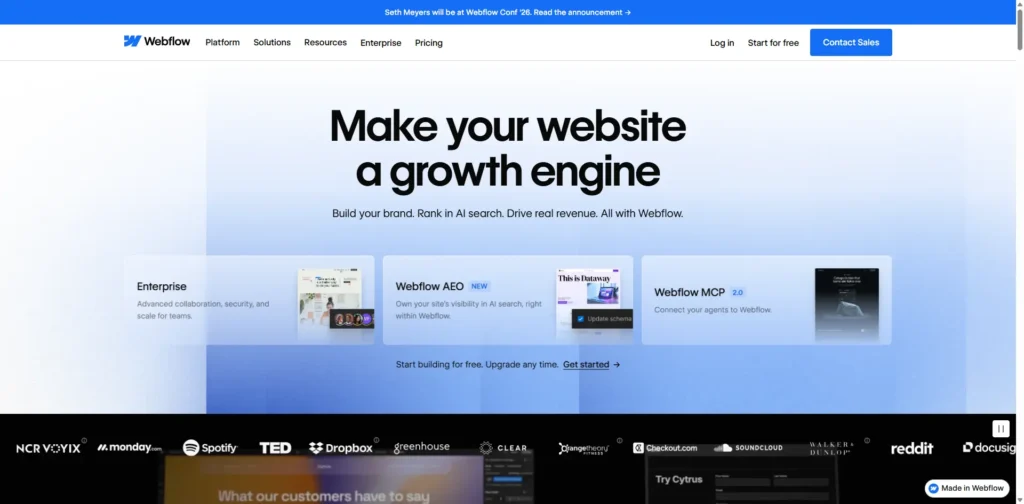
Best for: Designers, agencies, SaaS companies, B2B businesses and design-focused brands.
Webflow has become a major alternative for businesses that want highly customized websites without building every visual component from scratch through traditional coding.
Its visual design environment gives designers granular control over layouts, typography, spacing, responsive behavior and interactions.
Webflow is frequently positioned as a designer-focused alternative to WordPress, particularly for marketing websites where visual control is important.
Key Features
- Visual website designer
- CMS
- Responsive design controls
- Custom interactions and animations
- SEO controls
- CMS collections
- Forms
- Hosting
- Localization features
- Professional design workflows
Advantages of Webflow
Webflow provides a strong balance between visual design and technical control.
Designers can create highly customized layouts without relying on a large collection of WordPress page-builder plugins.
It is especially useful for companies that want a polished marketing website with sophisticated interactions.
Disadvantages of Webflow
Webflow has a steeper learning curve than beginner-oriented builders such as Wix.
Its pricing structure can also become more complicated as websites require additional CMS features, users or functionality.
Webflow vs WordPress
Choose Webflow if design control and a managed environment are priorities.
Choose WordPress if you need a much larger plugin ecosystem and greater control over the underlying website infrastructure.
4. Squarespace – Best for Design-Focused Websites
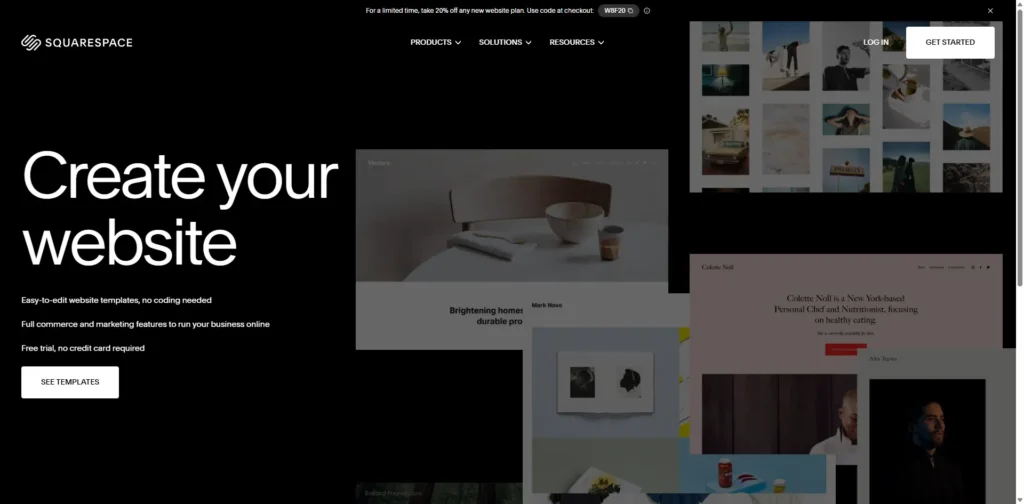
Best for: Photographers, consultants, restaurants, creatives, portfolios and service businesses.
Squarespace is another popular WordPress alternative that emphasizes professional design and ease of use.
Its templates are particularly attractive for businesses where visual presentation plays a major role.
Instead of assembling a website from numerous themes and plugins, Squarespace provides a more integrated environment.
Key Features
- Professionally designed templates
- Visual page editing
- Blogging
- Ecommerce
- SEO tools
- Analytics
- Appointment-related features
- Marketing tools
- Built-in hosting
Advantages of Squarespace
The biggest advantage is the ability to create a visually polished website without extensive development work.
This makes Squarespace especially suitable for photographers, designers, consultants, restaurants, personal brands and creative businesses.
Disadvantages of Squarespace
The platform does not offer the same level of extensibility as WordPress.
Businesses with unusual functionality requirements may eventually encounter limitations.
Squarespace vs WordPress
Choose Squarespace when design simplicity and managed hosting are more important.
Choose WordPress when you require extensive plugins, custom development and a broader ecosystem.
5. Ghost – Best WordPress Alternative for Bloggers and Publishers
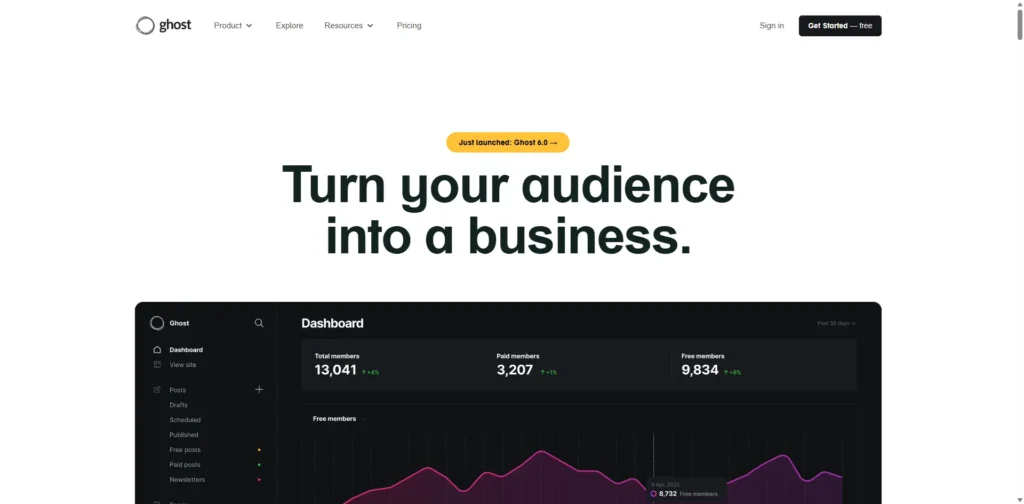
Best for: Bloggers, writers, newsletters, independent publishers and membership-based publications.
Ghost is a publishing-focused platform designed around writing and digital publishing rather than general-purpose website building.
This makes it an interesting WordPress alternative for publishers who do not need thousands of plugins or complex website functionality.
Ghost is particularly useful when newsletters, memberships and content publishing are central to the business model.
Key Features
- Clean writing interface
- Blogging
- Memberships
- Paid subscriptions
- Newsletter publishing
- SEO features
- Custom themes
- Analytics
- Content management
Advantages of Ghost
Ghost provides a focused publishing environment.
For writers and publishers, its streamlined interface can be more attractive than managing WordPress plugins and page builders.
It also has strong tools for businesses that want to combine publishing with newsletters and memberships.
Disadvantages of Ghost
Ghost is not designed to be a universal replacement for WordPress.
If you need complex ecommerce, extensive third-party functionality or a large range of website features, WordPress may remain the better option.
Ghost vs WordPress
Choose Ghost for publishing-first websites.
Choose WordPress for broader website functionality and extensive customization.
6. Framer – Best for Modern, Design-Led Websites
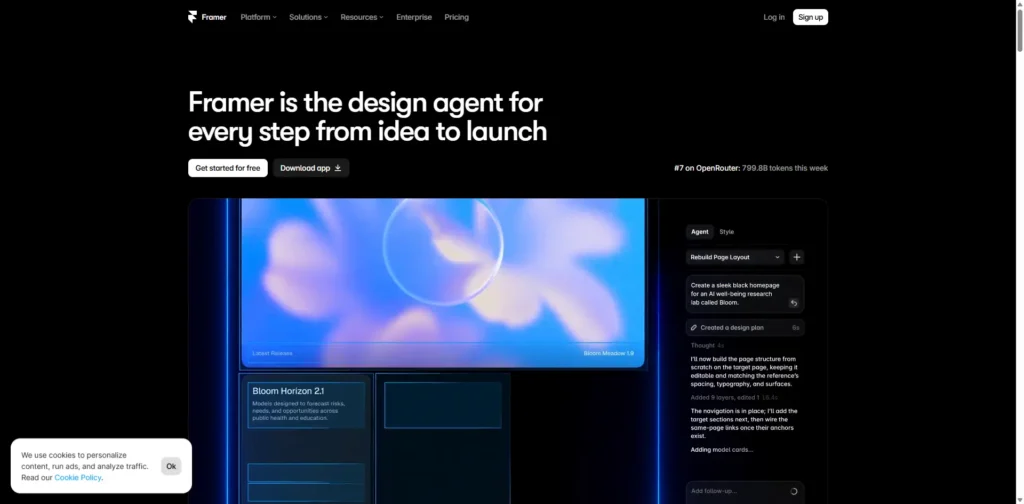
Best for: Startups, portfolios, landing pages, creative businesses and modern marketing websites.
Framer has become increasingly popular among designers who want to create visually sophisticated websites quickly.
Its interface is heavily influenced by modern design workflows, and it is particularly strong for animations, interactions and highly visual landing pages.
2026 comparisons commonly position Framer as a strong choice for design-led websites and modern marketing pages.
Key Features
- Visual website creation
- Responsive layouts
- Animations
- Interactive components
- CMS
- SEO settings
- AI-assisted creation
- Templates
- Hosting
Advantages of Framer
Framer is particularly good for creating modern websites that emphasize visual presentation.
It can be a strong option for startups that want a polished landing page or marketing website without building everything from scratch.
Disadvantages of Framer
It is not intended to replace WordPress for every type of website.
Complex ecommerce requirements, large content-heavy websites and highly specialized CMS requirements may be better suited to other platforms.
Framer vs WordPress
Choose Framer for modern, design-heavy marketing websites.
Choose WordPress for complex content ecosystems and extensive functionality.
7. HubSpot Content Hub – Best for Marketing-Focused Businesses

Best for: B2B companies, marketing teams, sales-driven businesses and companies already using HubSpot.
HubSpot Content Hub takes a different approach to website management.
Rather than treating the website as an isolated platform, it connects content with customer relationship management and marketing workflows.
This can be valuable for companies where the website is primarily a lead-generation and customer-acquisition tool.
Key Features
- CMS
- CRM integration
- Landing pages
- Forms
- Marketing automation
- Personalization
- Analytics
- SEO tools
- Lead management
- Content management
Advantages of HubSpot
The major advantage is the connection between website content and marketing operations.
A company can use its website to generate leads and then connect those leads with its broader marketing and sales workflows.
Disadvantages of HubSpot
HubSpot can be more expensive and complex than basic website builders.
For a small business that only needs a five-page informational website, its broader marketing ecosystem may be unnecessary.
HubSpot vs WordPress
Choose HubSpot when lead generation, CRM and marketing automation are central to the website.
Choose WordPress when you want maximum website flexibility with a broader selection of third-party tools.
8. Duda – Best WordPress Alternative for Agencies
Best for: Digital agencies, freelancers, web designers and businesses managing multiple client websites.
Duda is particularly interesting for agencies because it focuses on website production and client management.
Rather than focusing only on whether a platform lets you create a website, consider whether it supports your broader business requirements agencies often need to ask:
- Can I manage multiple websites?
- Can clients edit their own content?
- Can I maintain consistent workflows?
- Can I scale website production?
- Can I manage permissions?
- Can I brand the platform for clients?
Duda is designed around these types of requirements.
It is frequently identified as an agency-oriented website builder with client-management and white-label capabilities.
Key Features
- Visual website builder
- Client management
- Team permissions
- Reusable sections
- Dynamic pages
- Responsive design
- SEO tools
- White-label capabilities
- Hosting
- Website management tools
Advantages of Duda
Duda can make website management more structured for agencies handling multiple clients.
Reusable components and centralized management can help agencies create and maintain websites more efficiently.
Disadvantages of Duda
Individual website owners may find Duda unnecessary if they only need one simple website.
Its ecosystem is also smaller than WordPress’s enormous plugin ecosystem.
Duda vs WordPress
Choose Duda if you are an agency managing multiple client websites.
Choose WordPress if plugin availability and open-source flexibility are more important.
9. Drupal – Best for Enterprise and Complex Websites
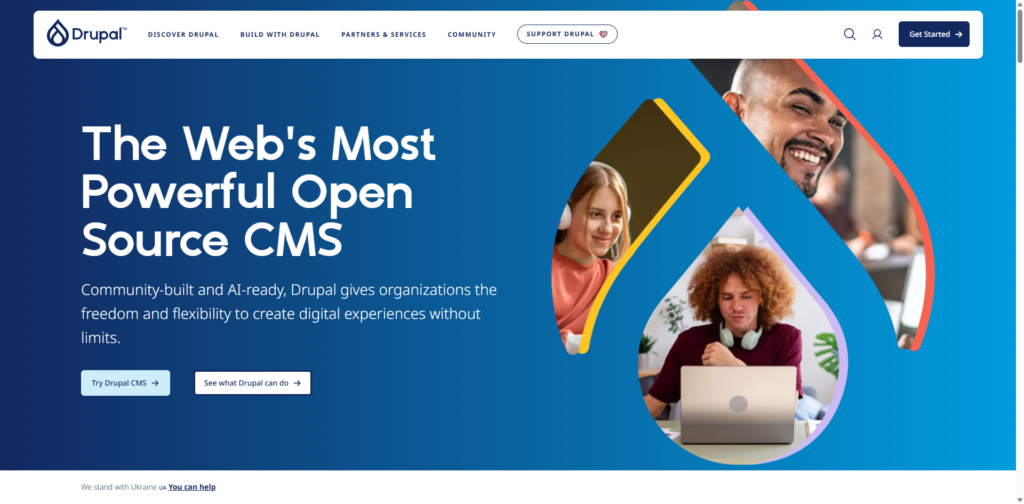
Best for: Large organizations, enterprises, government websites and complex content systems.
Drupal is one of the strongest open-source alternatives to WordPress for organizations that require advanced content structures, permissions and scalability.
Unlike beginner-focused website builders, Drupal generally requires more technical expertise.
However, that complexity can provide significant benefits for organizations with sophisticated requirements.
Key Features
- Open-source CMS
- Advanced content modeling
- Granular user permissions
- Multilingual capabilities
- Custom workflows
- Enterprise scalability
- Security-focused architecture
- API capabilities
- Extensive customization
Advantages of Drupal
Drupal provides deep control over content architecture and user permissions.
It can be useful when a website has many types of content, complex publishing workflows or large teams managing different sections.
Disadvantages of Drupal
Drupal generally requires more technical knowledge than Wix, Squarespace or other hosted website builders.
Development and maintenance can also require experienced professionals.
Drupal vs WordPress
Choose Drupal for complex enterprise-level websites.
Choose WordPress if you want a more approachable CMS with a larger pool of themes, plugins and general-purpose integrations.
10. Joomla – Best Open-Source Alternative for Flexible Content Management
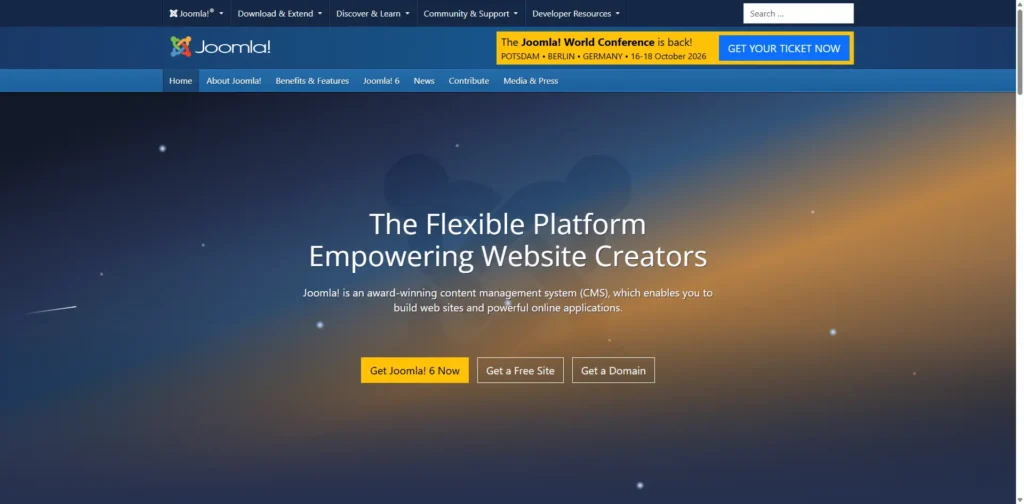
Best for: Community websites, portals, membership websites and users who want an open-source CMS.
Joomla sits somewhere between beginner-friendly website builders and technically sophisticated CMS platforms.
Like WordPress, Joomla is open source and can be hosted independently.
It also provides advanced user-management and permission capabilities that can make it useful for websites with multiple types of users.
Key Features
- Open-source CMS
- User management
- Access control
- Multilingual capabilities
- Extensions
- Templates
- Content management
- Custom fields
- Developer flexibility
Advantages of Joomla
Joomla offers a good balance between flexibility and built-in functionality.
It can be useful for websites that require more structured user permissions and content management than a basic website builder provides.
Disadvantages of Joomla
Its ecosystem is smaller than WordPress’s, and beginners may still need technical assistance for hosting, updates and customization.
Joomla vs WordPress
Choose Joomla when advanced permissions and structured content are important.
Choose WordPress when you want the largest ecosystem and a broader range of plugins and themes.
WordPress Alternatives: Quick Comparison
| Platform | Ease of Use | Design Flexibility | SEO Control | Ecommerce | Ideal For |
|---|---|---|---|---|---|
| Wix | Very High | High | Good | Good | Beginners, startups & small businesses |
| Shopify | High | Medium–High | Good | Excellent | Ecommerce stores & online retailers |
| Webflow | Medium | Very High | Very Good | Good | Designers, agencies & professional websites |
| Squarespace | High | High | Good | Good | Creatives, portfolios & service businesses |
| Ghost | High | Medium | Very Good | Limited | Bloggers, writers & digital publishers |
| Framer | Medium–High | Very High | Good | Limited | Startups, portfolios & landing pages |
| HubSpot Content Hub | Medium | High | Good | Limited | Marketing & sales-focused businesses |
| Duda | High | High | Very Good | Good | Digital agencies & freelancers |
| Drupal | Low–Medium | Very High | Very Good | Depends on setup | Enterprises & complex websites |
| Joomla | Medium | High | Good | Depends on extensions | Advanced CMS & community websites |
WordPress vs Alternatives: What Should You Consider?
Switching from WordPress should not be a decision based solely on popularity.
Before selecting another platform, evaluate these factors.
1. Ease of Use
Ask yourself who will manage the website.
If the website will be managed by a non-technical business owner, a platform such as Wix or Squarespace may be more convenient.
If you have an experienced development team, WordPress, Drupal or Joomla can provide more control.
2. SEO Capabilities
SEO should be evaluated beyond simple meta-title editing.
Look for control over:
- Page titles
- Meta descriptions
- Canonical URLs
- XML sitemaps
- Structured data
- Redirects
- Robots directives
- URL structures
- Page performance
- Internal linking
- Mobile optimization
WordPress has an extensive SEO ecosystem, while several modern alternatives now provide many SEO capabilities directly within the platform.
3. Website Performance
A platform alone does not automatically make a website fast.
Performance depends on factors such as:
- Hosting
- Images
- JavaScript
- CSS
- Fonts
- Third-party scripts
- Plugins or integrations
- Page structure
- Caching
- Content delivery
A well-built WordPress website can perform extremely well, while a poorly configured website on another platform can still be slow.
4. Ecommerce
If you plan to sell products, evaluate ecommerce capabilities carefully.
Shopify is designed specifically around ecommerce, whereas WordPress generally relies on WooCommerce and additional extensions.
5. Scalability
Consider where the website will be three to five years from now.
A simple portfolio may require only a few pages today. A growing company may eventually need:
- Hundreds of landing pages
- Multiple content types
- International websites
- Ecommerce
- CRM integrations
- Marketing automation
- Multiple editors
- Advanced analytics
Your platform should be capable of supporting future requirements.
6. Ownership and Portability
This is often overlooked.
Before committing to a platform, understand:
- What content can be exported?
- Can the website be moved elsewhere?
- Can you access your code?
- Can you change hosting?
- What happens if the platform changes its pricing?
- Which third-party integrations are required?
WordPress’s open-source model provides significant control over hosting and website data, while hosted platforms generally exchange some of that control for convenience.
Conclusion
Choosing a website platform is ultimately a business decision, not simply a technology decision.
WordPress remains powerful, flexible and highly customizable, but it is no longer the only serious option. Modern platforms have become increasingly specialized, giving businesses alternatives that can reduce maintenance, simplify design, improve ecommerce workflows or connect websites more closely with marketing operations.
For a simple business website, Wix or Squarespace may be enough. For ecommerce, Shopify is a natural choice. For design-led websites, Webflow or Framer can provide greater visual control. For publishing, Ghost is worth considering, while HubSpot, Duda, Drupal and Joomla serve more specialized requirements.
Instead of choosing a platform simply because it is widely recognized, focus on finding the WordPress alternative that best aligns with your website’s goals, budget, functionality, and long-term growth plans.
Instead, ask:
“Which website platform best balances my business’s needs for customization, speed, search visibility, ease of management, future growth, and overall investment?”
Once you answer that question, choosing the right WordPress alternative becomes much easier.