

Notion works well when a team wants one flexible place for notes, documents, simple databases and lightweight planning. However, that flexibility can become difficult to manage as people, pages and processes increase.
Many teams do not need another blank workspace. They need clearer project ownership, better documentation, stronger data controls, easier collaboration, or more privacy over internal information. The tools below are useful alternatives because each solves a different practical need.
Quick Comparison
| Tool | Best for | Free plan | Why teams choose it |
| ClickUp | Project delivery | Yes | Tasks, dashboards and workload visibility |
| Coda | Interactive documents | Yes | Docs that behave like internal tools |
| Slite | Team knowledge | No permanent team plan | Clear, maintained internal documentation |
| Airtable | Structured data | Yes | Relational records, forms and automations |
| Asana | Cross-team planning | Yes | Consistent task ownership and reporting |
| Confluence | Technical documentation | Yes | Governance and Jira connection |
| Microsoft Loop | Microsoft 365 collaboration | Varies | Live content inside Teams and Outlook |
| Obsidian | Local notes | Yes | Markdown files and personal knowledge |
| Anytype | Private workspaces | Yes | Local-first, encrypted information |
| AppFlowy | Open-source workspace | Yes | Self-hosting and Notion-style pages |
1. ClickUp
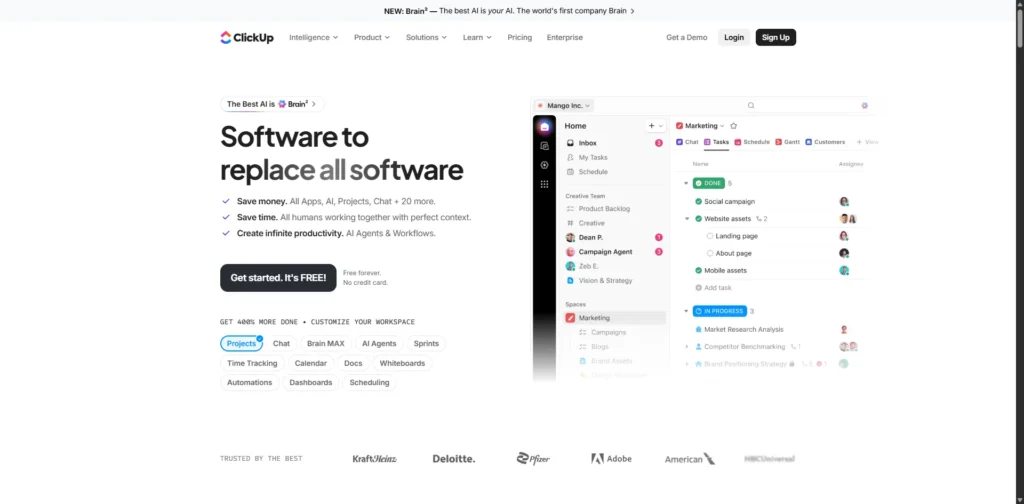
ClickUp is a better fit for teams that have been using Notion to run projects but now need stronger control over deadlines, assignments and progress. It keeps tasks, documents, goals and reports in one workspace, while providing purpose-built project views.
Key features
- Tasks, subtasks, dependencies and recurring work
- Lists, boards, calendars, timelines and Gantt charts
- Dashboards, goals and workload views
- Docs, wikis, forms and automations
- Time tracking and integrations
- AI assistance for summaries, writing and workspace questions
Pros
- Makes work ownership and due dates easier to follow
- Offers far more project views than Notion
- Can combine team documents with active work
Cons
- Setup can feel overwhelming at first
- Teams need notification rules to avoid noise
Learn more about ClickUp’s project management features on its official website.
Best for
Teams managing client work, marketing campaigns, product launches or internal projects with many moving parts.
2. Coda
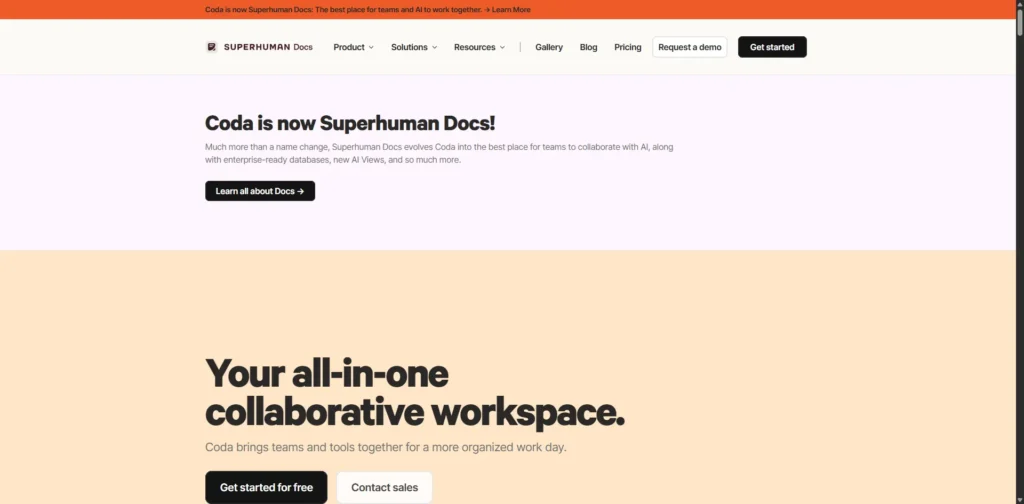
Coda is designed for people who want their documents to do more than hold information. A single doc can include data tables, formulas, buttons, forms and automated actions. This is useful for teams building approval systems, trackers or simple internal apps without relying on developers.
Key features
- Interactive tables, formulas and buttons
- Connected views of the same data
- Forms, automations and integrations
- Templates for planning and operations
- AI support for writing and data work
Pros
- Turns documents into usable workflows
- Strong choice for operational teams
- Charges are often focused on document creators rather than every viewer
Cons
- Advanced formulas take time to learn
- Large documents need a clear structure to stay maintainable
Best for
Operations, HR, product and leadership teams that need custom workflows in a document-like environment.
Visit Coda to explore how its documents, tables, and automations work.
3. Slite

Slite focuses on one job: helping employees find trustworthy internal knowledge. It is more focused than Notion, which can be useful when policies, process notes and company answers are scattered across too many pages.
The platform encourages ownership and review of important documents, helping teams identify content that may no longer be accurate. Its AI search can surface answers from approved company knowledge.
Key features
- Collaborative team documents and wikis
- Search and AI answers based on company content
- Document owners and review reminders
- Knowledge analytics and Slack integration
- Writing support and document verification tools
Pros
- Easier to keep a company handbook organised
- Reduces the risk of employees following outdated instructions
- Simple interface for everyday documentation
Cons
- Not built for detailed project scheduling
- Limited compared with Notion for custom databases
Best for
Remote teams that want a dependable internal knowledge base.
You can review Slite’s knowledge management tools for team documentation needs.
4. Airtable

Airtable is ideal when the information being managed is structured business data, not just notes. It gives teams a spreadsheet-friendly interface while supporting linked records, forms, custom interfaces and automation.
For example, a business can use Airtable to manage an editorial calendar, product catalogue, candidate pipeline, asset library or campaign tracker without forcing every user to work directly in the same table.
Key features
- Linked tables and relational records
- Grid, calendar, Kanban, gallery and timeline views
- Forms and role-specific interfaces
- Automations, integrations and API access
- Permissions and data synchronisation
Pros
- More capable than Notion for data-heavy workflows
- Useful for creating controlled, repeatable processes
- Strong forms and automation options
Cons
- Costs can rise when many people need edit access
- Not the most natural tool for long-form documentation
Best for
Teams handling content operations, CRM-style records, inventory, projects or other connected datasets.
Explore Airtable to understand its database, interface, and automation capabilities.
5. Asana
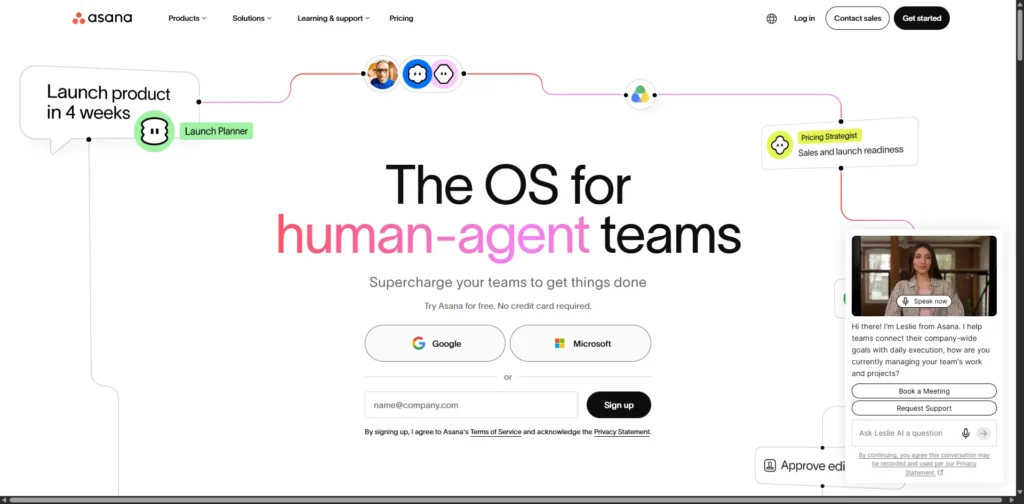
Asana offers a structured way to plan work across departments. It gives every task a clear owner, due date and status, while managers can view progress across projects, goals and portfolios.
Compared with Notion, it provides less freedom to design pages but more consistency in the way work is assigned and completed.
Key features
- Tasks, subtasks, dependencies and milestones
- List, board, calendar and timeline views
- Forms, rules and approval workflows
- Workload, portfolios and reporting dashboards
- AI-assisted workflow and planning features
Pros
- Improves accountability across teams
- Good reporting for managers
- Suitable for repeatable business processes
Cons
- Documentation tools are secondary
- Advanced planning features are usually paid
Best for
Businesses that need consistent processes for cross-functional work.
See Asana for more information about its project planning and task coordination tools.
6. Confluence
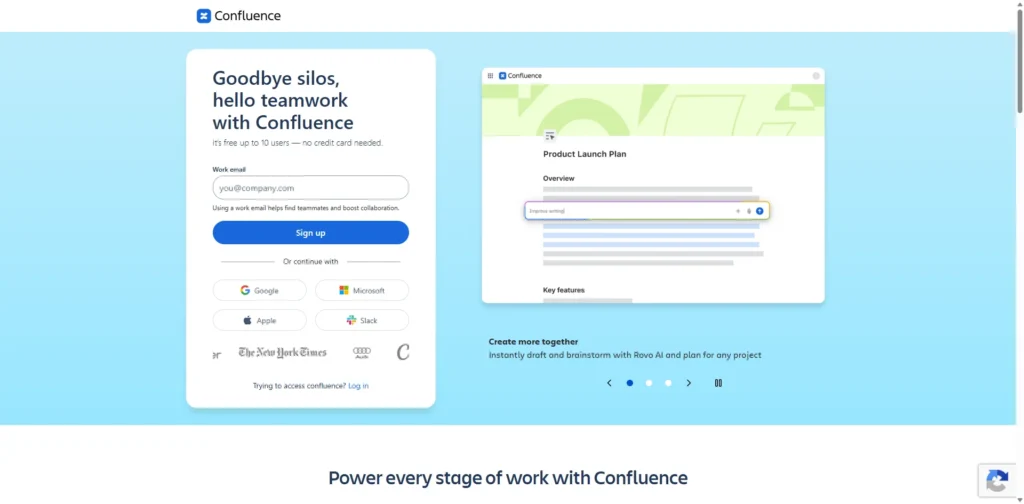
Confluence is a strong option for organisations that need controlled documentation at scale. It is especially useful for software, IT and product teams because it integrates closely with Jira.
Teams can use it for technical notes, product requirements, decisions, runbooks and release information. Page history, permissions and structured spaces help larger groups keep knowledge governed.
Key features
- Organised spaces and page hierarchy
- Permissions, page history and templates
- Whiteboards and collaborative documentation
- Jira integration
- AI search, summaries and enterprise controls
Pros
- Excellent for technical and process documentation
- Fits naturally with Jira-based teams
- Stronger governance than a free-form workspace
Cons
- Can feel heavy for a small team
- Needs thoughtful navigation as content grows
Best for
Product, engineering and IT teams that already use Atlassian products.
Visit Confluence to review its documentation and team collaboration features.
7. Microsoft Loop

Microsoft Loop is useful for organisations already working in Teams, Outlook and Microsoft 365. Its main advantage is that live content can be edited where discussions are already happening, rather than requiring everyone to open a separate workspace.
For example, a shared checklist or table can remain up to date when it appears in both a Teams chat and an Outlook message.
Key features
- Collaborative pages and workspaces
- Live components for lists, tables and checklists
- Teams and Outlook integration
- Microsoft identity, storage and permission controls
- Copilot capabilities for eligible subscriptions
Pros
- Convenient for existing Microsoft 365 users
- Keeps meeting notes and small decisions close to conversations
- May reduce the need for another collaboration subscription
Cons
- Less capable for complex databases and project planning
- Works best inside the Microsoft ecosystem
Best for
Microsoft 365 teams that need lightweight, shared planning and meeting content.
Learn more about Microsoft Loop and its Microsoft 365 collaboration options.
8. Obsidian
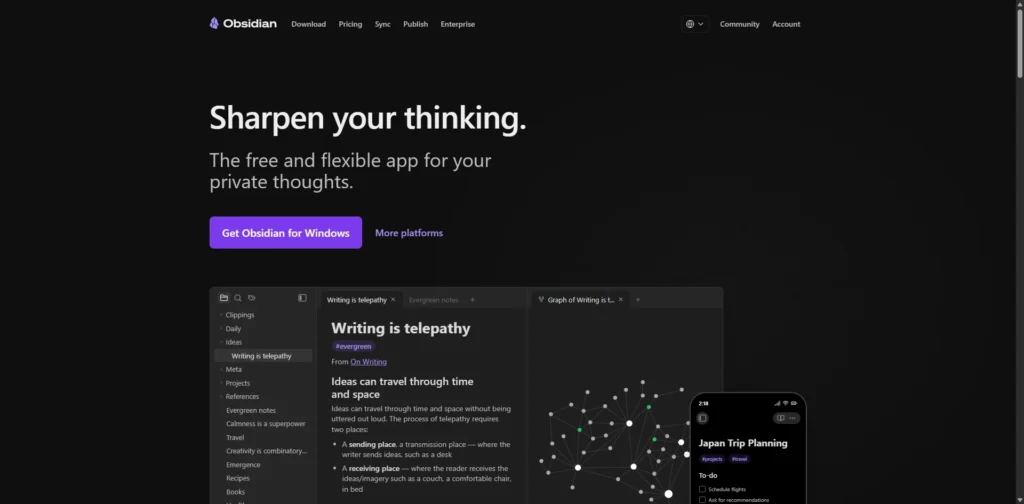
Obsidian stores notes as Markdown files on the user’s own device. Instead of locking knowledge into a hosted workspace, it lets people build a long-term collection of portable files, connected through links and backlinks.
It is excellent for personal research, writing and thinking. It is not a direct replacement for a collaborative company wiki because real-time team editing is not its main strength.
Key features
- Local Markdown files
- Links, backlinks and graph view
- Templates, properties and visual canvas
- Offline use
- Large plugin community
Pros
- Direct ownership of notes and files
- Works without a constant internet connection
- Highly adaptable for individual knowledge management
Cons
- Collaboration requires additional setup
- Plugins should be selected and maintained carefully
Best for
Writers, researchers, consultants and professionals who want private, local-first notes.
Explore Obsidian to see how its local Markdown-based note system works.
9. Anytype
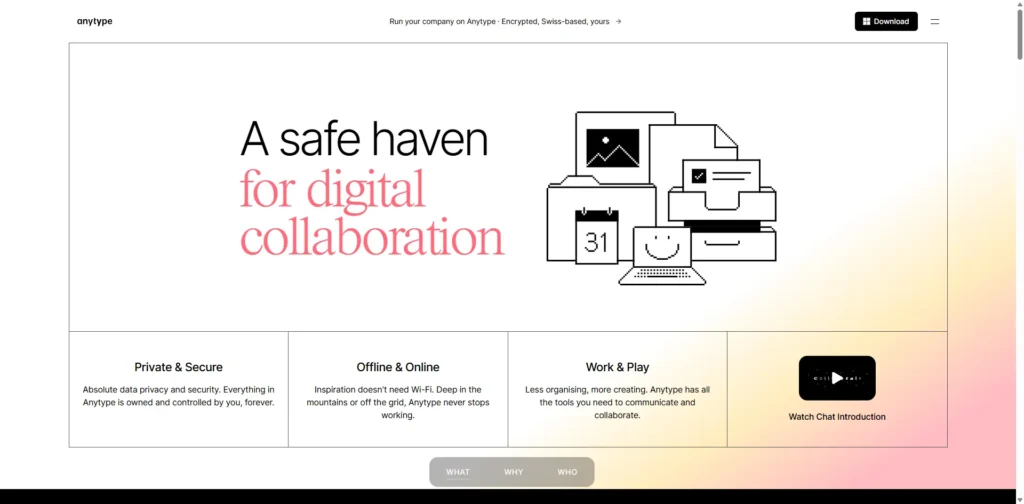
Anytype is built around privacy and local-first information management. Users can create connected objects such as projects, meetings, people and tasks, then organise them through relationships and views.
Its approach suits people who want more control over sensitive information than a typical cloud workspace provides. Teams should still test its collaboration and integration options before using it as their central operating system.
Key features
- Local-first workspaces
- Encrypted private spaces
- Custom object types and relationships
- Collections and database-style views
- Offline access and self-hosting options
Pros
- Strong emphasis on privacy and ownership
- Flexible way to connect different types of information
- Can operate without depending entirely on a public cloud service
Cons
- Smaller ecosystem than mainstream platforms
- May feel unfamiliar to new users
Best for
Privacy-conscious individuals and small teams.
Visit Anytype for details about its privacy-focused, local-first workspace.
10. AppFlowy
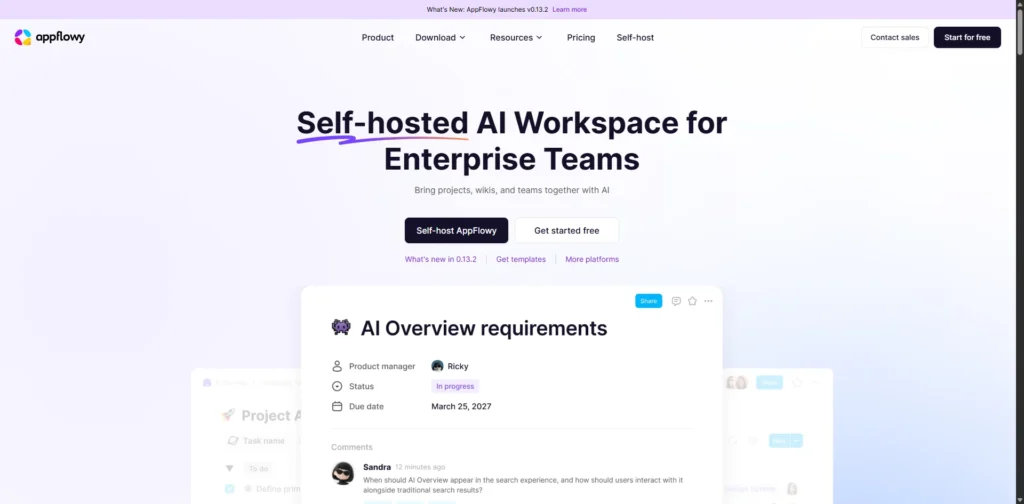
AppFlowy is an open-source workspace for teams that want familiar documents, databases and project views without giving up control over deployment. It can be used through a hosted service or installed on private infrastructure.
This is a valuable option for organisations with stricter requirements around hosting, data location or AI processing. However, self-hosting also means taking responsibility for updates, backups and security.
Key features
- Open-source documents, wikis and databases
- Kanban boards and project views
- AI writing, search and meeting support
- Managed cloud and self-hosted deployment
- Options for locally run AI models
Pros
- Greater control over data and infrastructure
- Familiar experience for many Notion users
- Useful for organisations with privacy requirements
Cons
- Self-hosting requires technical resources
- Smaller set of integrations than large commercial tools
Best for
Teams that need an open-source, self-hosted alternative to Notion.
Learn more about AppFlowy and its open-source, self-hosted workspace options.
How to Pick the Right Alternative
Start with the problem your team is trying to solve. A new workspace will not fix unclear processes, poor document ownership or weak project planning by itself.
- Choose ClickUp or Asana if work is slipping because projects lack ownership and visibility.
- Choose Coda if teams need documents that can run workflows.
- Choose Slite or Confluence if employees struggle to find current internal guidance.
- Choose Airtable when data relationships, forms and automation matter most.
- Choose Microsoft Loop if work already happens inside Microsoft 365.
- Choose Obsidian, Anytype or AppFlowy if data ownership and privacy are the priority.
Before migrating, clean up outdated pages and run a small pilot. Test real documents, permissions, integrations and everyday tasks with the people who will actually use the system. Also compare the complete cost, including paid editors, AI usage, storage and any implementation support.
Final Thoughts
Notion remains useful for flexible documentation and lightweight planning, but it is not the right answer for every team. The best alternative depends on what has become difficult: project delivery, documentation, data management, collaboration or control over information.
Choose the platform that improves your team’s daily work instead of selecting one simply because it looks similar to Notion.
Frequently Asked Questions
What is the best Notion alternative for project management?
ClickUp is a good choice for teams that want detailed planning, flexible views and reporting. Asana is often better for organisations that prefer a more structured project process.
Which option is best for internal documentation?
Slite is built for accessible team knowledge, while Confluence is especially useful for larger technical teams and Jira users.
Is there an open-source alternative to Notion?
AppFlowy is a leading open-source option for documents, databases and project work. It also supports self-hosted deployment.
Can Airtable replace Notion?
Yes, when your central need is structured data, connected records, forms and automation. It is less suitable when your team mainly writes long documents.
Is Obsidian suitable for team use?
It can support professional work, but it is primarily a local knowledge tool. Teams needing shared editing, standard permissions and managed workflows may prefer Slite, Confluence or another collaborative platform.
Should a team move every Notion page at once?
No. Move one active workflow first, check the imported content and permissions, then expand after the new system performs well in daily work.
