
There was a time when Canva felt revolutionary.
You could drag, drop, resize, add templates, and suddenly create decent-looking Instagram posts, YouTube thumbnails, presentations, resumes, and business graphics without touching Photoshop. For millions of creators, Canva became the default design tool almost overnight.
But in 2026, the design world looks very different.
Content creation has become faster, AI-powered, and heavily workflow-driven. Today, creators are managing multiple brands, posting across five or six platforms daily, collaborating with remote teams, generating AI visuals, and building scalable content systems. And somewhere along that journey, many people start realising something important:
Canva is great… until your creative needs outgrow it.
That is exactly why searches for the best Canva alternatives have exploded recently.
What Makes a Great Canva Alternative Today?
Not every design platform solves the same problem.
Some tools are built for social media speed. Others focus on brand systems, presentations, UI design, or AI-assisted automation.
The best Canva alternatives usually excel in one or more of these areas:
1. AI-Powered Design Tools
Modern creators expect AI to help with:
- Background removal
- Layout generation
- Thumbnail creation
- Smart resizing
- Text suggestions
- Ad variations
- Image enhancement
AI is no longer optional.
2. Better Collaboration
Teams now need:
- Real-time editing
- Shared workspaces
- Comment systems
- Approval workflows
- Brand control
Especially agencies and startups.
3. Strong Branding Features
Businesses want consistency across hundreds of graphics.
That means:
- Brand kits
- Locked templates
- Shared fonts
- Auto-branding
- Reusable layouts
4. More Creative Freedom
Many designers leave Canva because their designs start looking… too much like Canva.
Platforms with stronger typography, vector control, or custom layout systems give creators more originality.
Quick Comparison: Best Canva Alternatives in 2026
| Tool | Best For | AI Features | Beginner Friendly | Team Collaboration |
| Adobe Express | Social creators | Excellent | Yes | Strong |
| Figma | UI/UX teams | Moderate | Medium | Excellent |
| VistaCreate | Instagram content | Good | Very Easy | Moderate |
| Snappa | Bloggers | Basic | Easy | Limited |
| Piktochart | Infographics | Moderate | Easy | Good |
| Visme | Presentations | Strong | Medium | Medium |
| Desygner | Businesses | Good | Easy | Good |
| Stencil | Fast graphics | Basic | Very Easy | Limited |
| Kittl | Typography & branding | Excellent | Medium | Growing |
| RelayThat | Automation | Very Strong | Easy | Excellent |
| Affinity Designer | Professional design | Minimal AI | Advanced | Offline Workflow |
1. Adobe Express
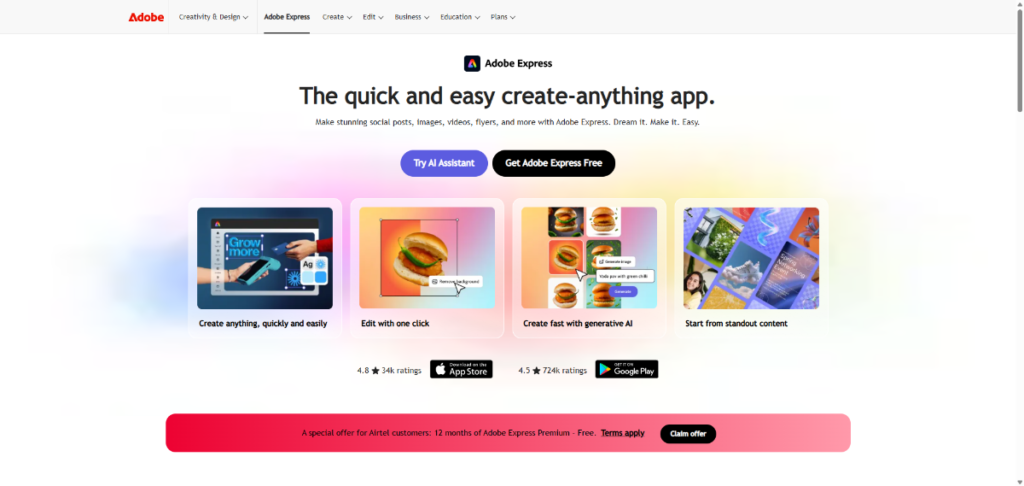
If Canva and Photoshop had a beginner-friendly child, it would probably look like Adobe Express.
Over the last two years, Adobe has aggressively improved Express, and many creators are now switching because it offers a smoother balance between simplicity and professional-level creativity.
Why People Love It:
Adobe Express feels more “creative” than Canva.
The templates feel modern, the AI tools are stronger, and integration with Adobe’s ecosystem makes a huge difference for serious creators.
Best Features:
- AI image generation
- One-click background removal
- Adobe Fonts integration
- Video editing
- Social media scheduling
- Brand kits
- Animation tools
Real Advantage Over Canva:
One thing most creators notice immediately is the visual polish.
Adobe Express graphics often look more premium straight out of the editor.
Best For:
- YouTubers
- Instagram creators
- Freelancers
- Small businesses
- Marketing teams
Biggest Limitation:
If you’ve never used Adobe products before, the ecosystem can initially feel overwhelming.
Also Read: Top 10 Connectively & HARO Alternatives (Free) in 2026
2. Figma
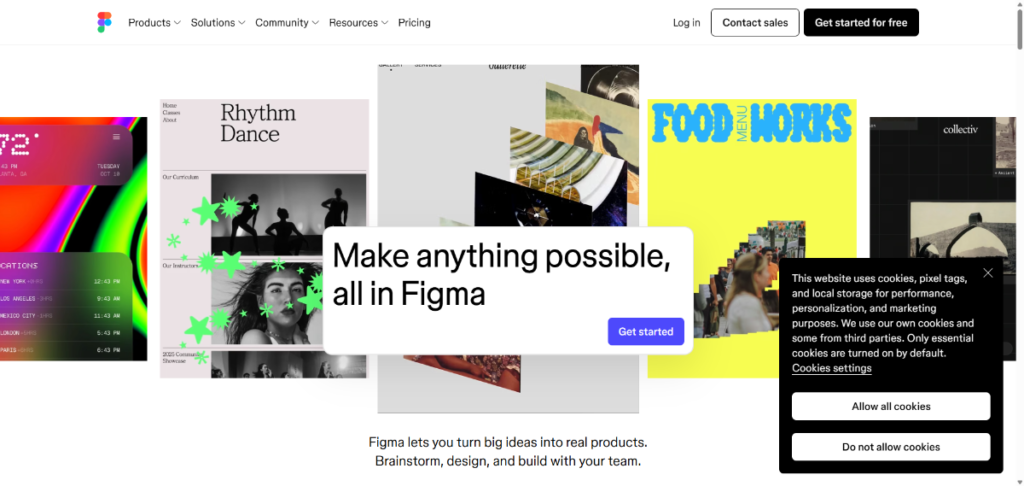
Figma completely changed collaborative design.
Originally built for UI/UX work, it has evolved into one of the most important creative collaboration platforms online.
And honestly, no Canva alternative comes close to Figma when it comes to team workflows.
Why Creators Switch to Figma
Many creators eventually realise they need systems — not just templates.
Figma gives teams:
- Shared libraries
- Live collaboration
- Design systems
- Real-time editing
- Professional prototyping
Where It Beats Canva:
Massively better for:
- App design
- Website wireframes
- Startup teams
- Product design
- Collaborative workflows
Best For:
- UI/UX designers
- Startups
- SaaS companies
- Agencies
Biggest Drawback
Not beginner-friendly for casual social media creators.
3. VistaCreate
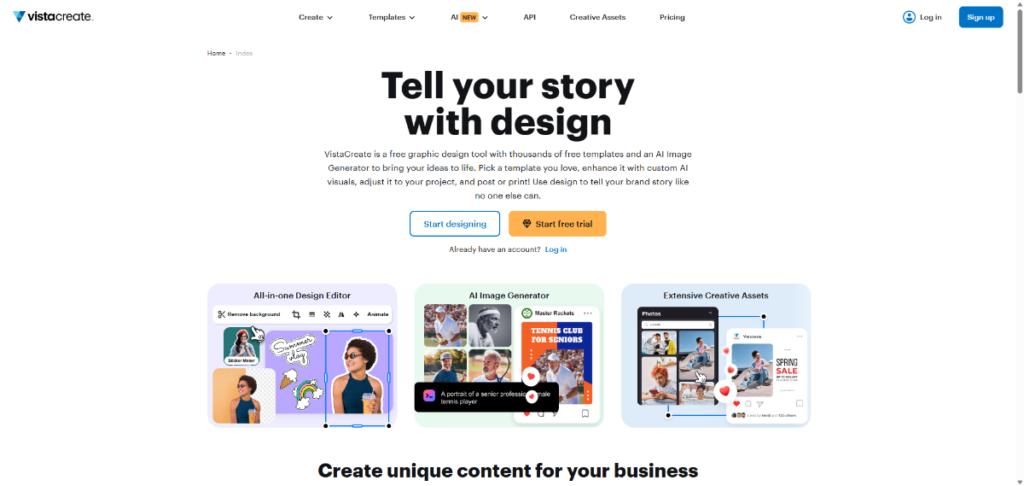
VistaCreate feels like Canva’s closest cousin.
The transition is extremely easy.
In fact, many creators who get bored with Canva’s template ecosystem move to VistaCreate simply because it feels fresh while remaining beginner-friendly.
Why It Stands Out:
- Beautiful animated templates
- Fast editing workflow
- Better motion graphics for social media
- Easier learning curve
Best For:
- Instagram creators
- Reels creators
- Small businesses
- Freelancers
Real-World Example:
A local cafe owner can create:
- Reels covers
- Story promotions
- Menu graphics
- Festival offers within minutes.
Biggest Weakness:
Advanced customisation still feels limited compared to professional design tools.
You May Like: 18 Free Hootsuite Alternatives (Tested in 2026)
4. Snappa
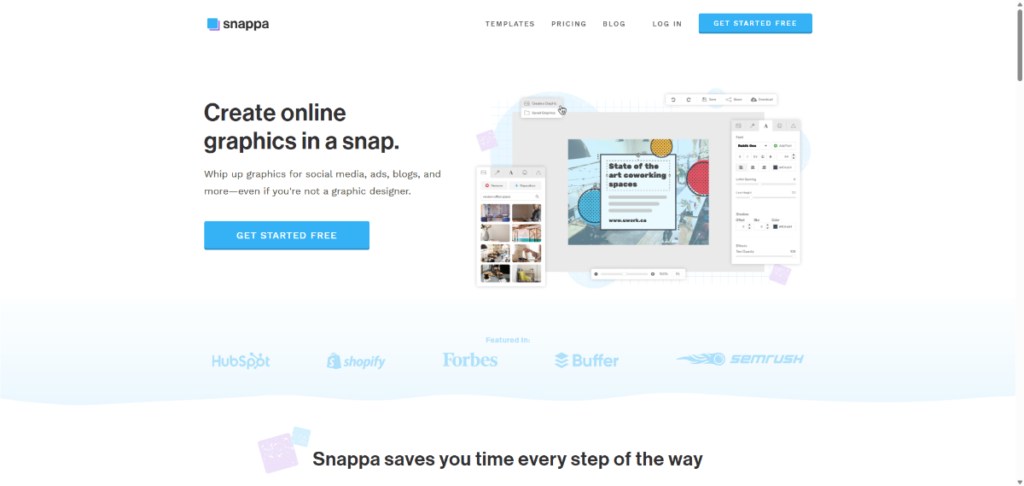
Snappa is built for speed.
And honestly, sometimes speed matters more than design complexity.
Many bloggers and affiliate marketers don’t need advanced tools. They just want:
- Fast blog graphics
- Pinterest pins
- Simple ads
- Quick thumbnails
That’s exactly where Snappa works well.
Why Bloggers Love It:
The interface is incredibly lightweight.
No unnecessary clutter.
Best Features:
- Quick templates
- Fast resizing
- Built-in stock images
- Social media dimensions
Best For:
- Bloggers
- Affiliate marketers
- Beginners
- Solo creators
Biggest Weakness:
Not ideal for serious branding systems or large teams.
5. Piktochart
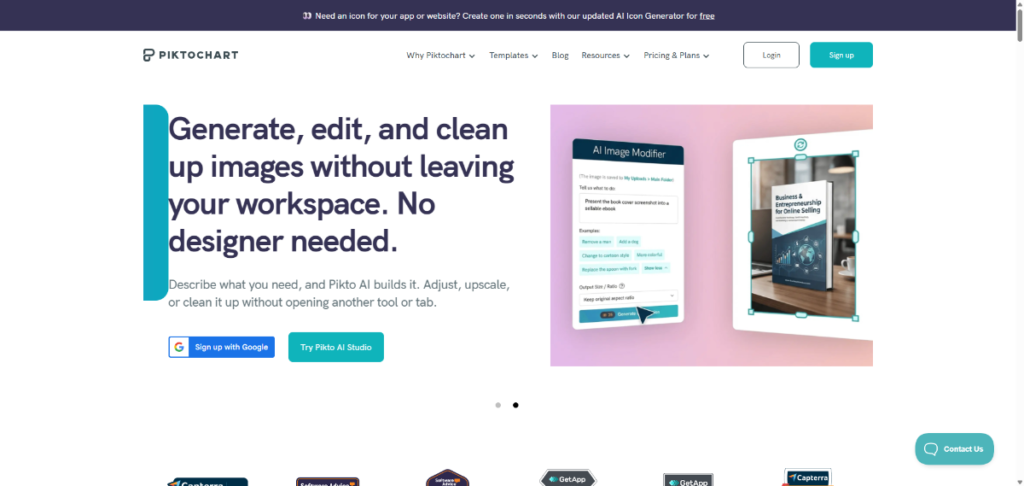
If your work involves visual storytelling, Piktochart becomes extremely valuable.
Most Canva users struggle when trying to create professional-looking infographics or reports. Piktochart solves that problem beautifully.
What Makes It Different
It focuses heavily on:
- Charts
- Data visualization
- Reports
- Educational graphics
- Business infographics
Best For:
- Students
- Teachers
- Analysts
- Agencies
- Businesses
Real Advantage:
Charts and infographic layouts look far more professional compared to Canva.
Also Read: 10 Copyscape Alternatives in 2026 (Free Included)
6. Visme
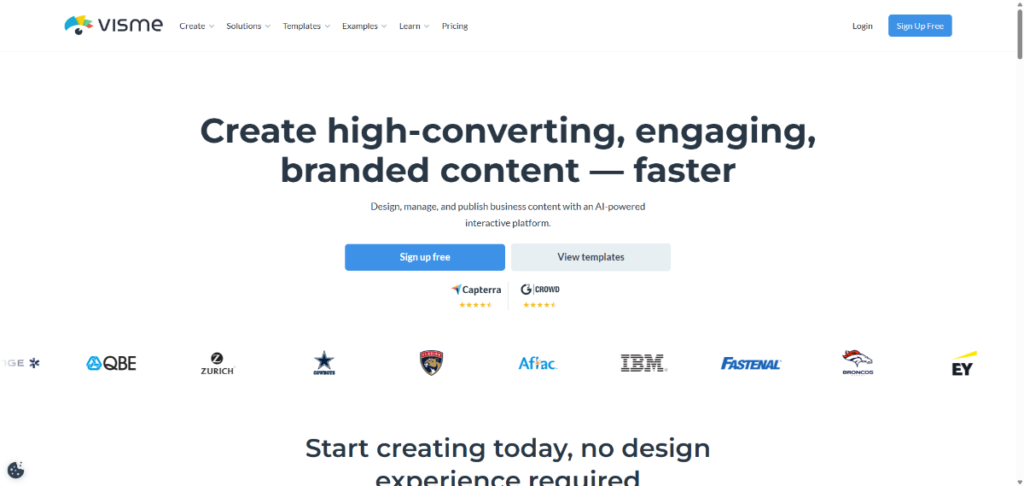
Visme sits somewhere between Canva and PowerPoint — but much smarter.
It’s one of the strongest platforms for business communication and presentations.
Why Businesses Prefer It
Visme focuses heavily on:
- Interactive presentations
- Brand consistency
- Team workflows
- Data-driven visuals
Best Features
- Animated presentations
- Team collaboration
- Interactive content
- Business templates
- Data widgets
Best For
- Agencies
- Marketing teams
- Startups
- Consultants
Biggest Strength
Presentation quality feels enterprise-ready.
7. Desygner
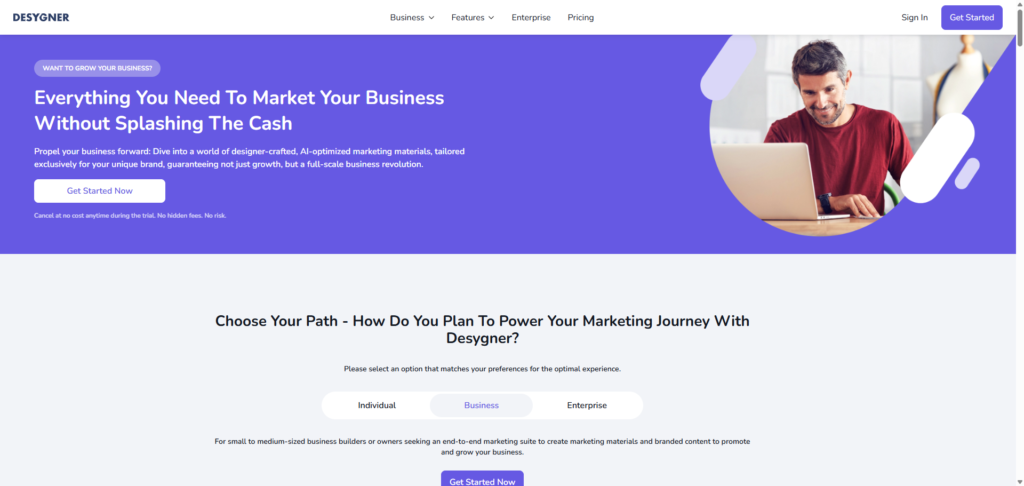
Desygner is underrated.
Many companies rely on it behind the scenes because its brand control and collaboration features simplify team management.
Why It’s Growing Fast:
Rather than offering open-ended design flexibility like Canva, Desygner is built around maintaining structured and consistent brand systems.
That matters for franchises, agencies, and multi-location businesses.
Key Features:
- Brand locking
- Team permissions
- Template control
- PDF editing
- AI assistance
Best For:
- Agencies
- Franchises
- Brand managers
- Corporate teams
Biggest Advantage:
Maintaining consistent branding across teams becomes much easier.
8. Stencil
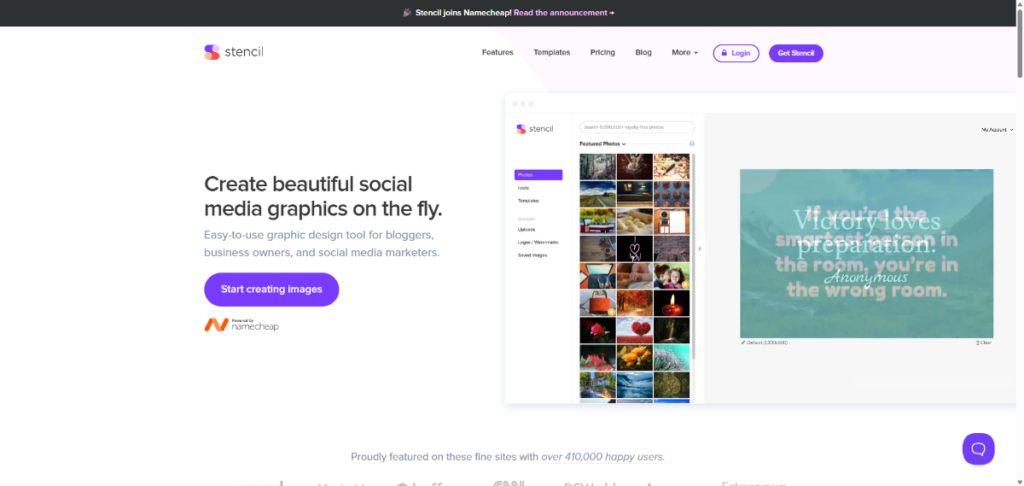
Stencil is another speed-focused design tool.
It doesn’t try to become Photoshop.
It simply helps creators produce graphics extremely quickly.
Why Some Creators Prefer It:
Because it removes complexity.
You can create:
- Quotes
- Blog graphics
- Social posts
- Twitter visuals
almost instantly.
Best For:
- Bloggers
- Content marketers
- Small businesses
Biggest Weakness:
Limited advanced creative flexibility.
Read This: 10 Best Google Stadia Alternatives in 2026 for PCS, Macs, iOS, Android, TVs
9. Kittl
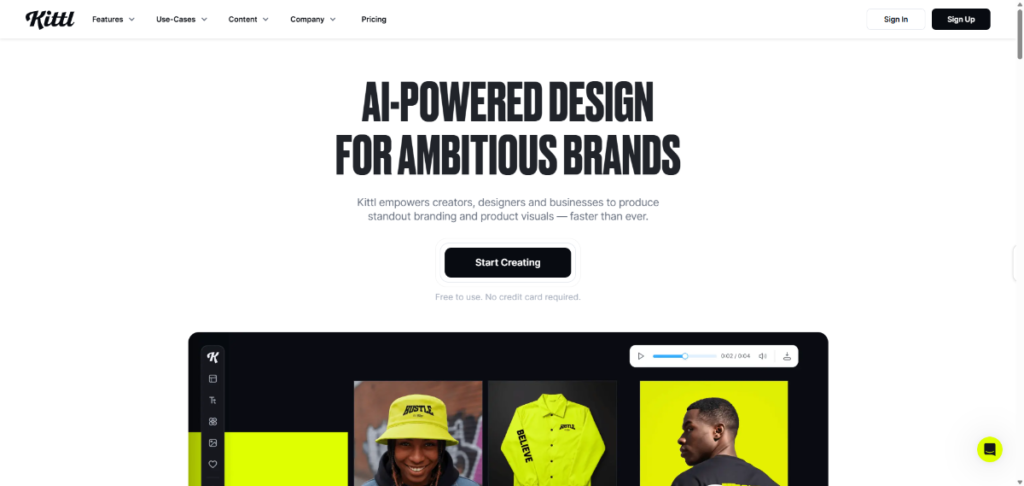
Kittl is one of the most exciting design platforms right now.
Especially for typography lovers.
Many creators who feel Canva designs look “too generic” instantly fall in love with Kittl.
What Makes Kittl Special:
Its typography engine is fantastic.
You can create:
- Vintage logos
- T-shirt graphics
- Poster art
- Merchandise designs
- Retro branding
that feel genuinely unique.
Best Features:
- Advanced text effects
- AI-generated graphics
- Vintage templates
- Illustration tools
- Merchandise mockups
Best For:
- Print-on-demand sellers
- Etsy creators
- Branding designers
- Merch stores
Biggest Advantage Over Canva:
- Design originality.
Kittl designs feel far less template-driven.
10. RelayThat
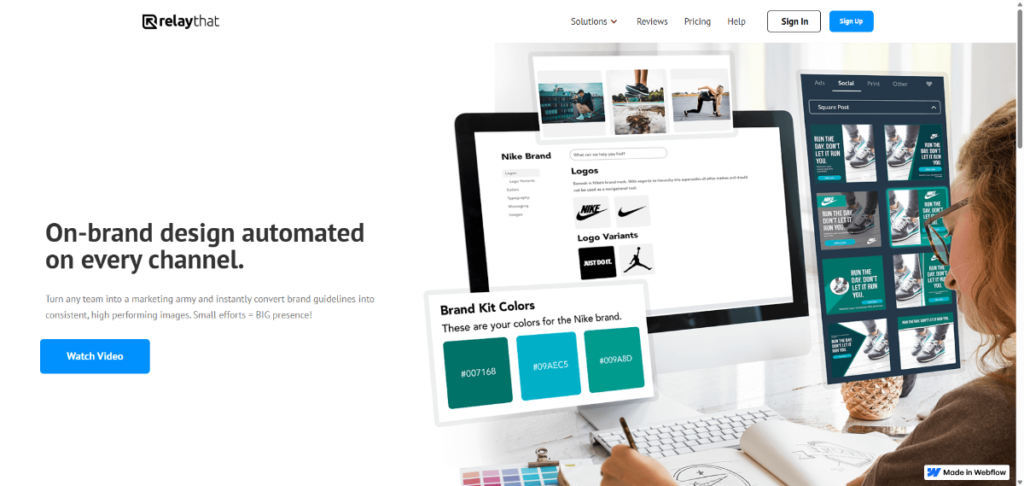
RelayThat is built for automation.
And honestly, agencies love it because it saves insane amounts of time.
Why It’s Different:
Most design tools focus on manual creativity.
RelayThat focuses on scalable branding automation.
What It Does Well:
- Auto-generates ad variations
- Maintains branding consistency
- Creates multi-platform campaigns
- Automates resizing
Best For:
- Agencies
- Marketing teams
- E-commerce brands
Biggest Strength:
You can scale branded content production extremely fast.
11. Affinity Designer
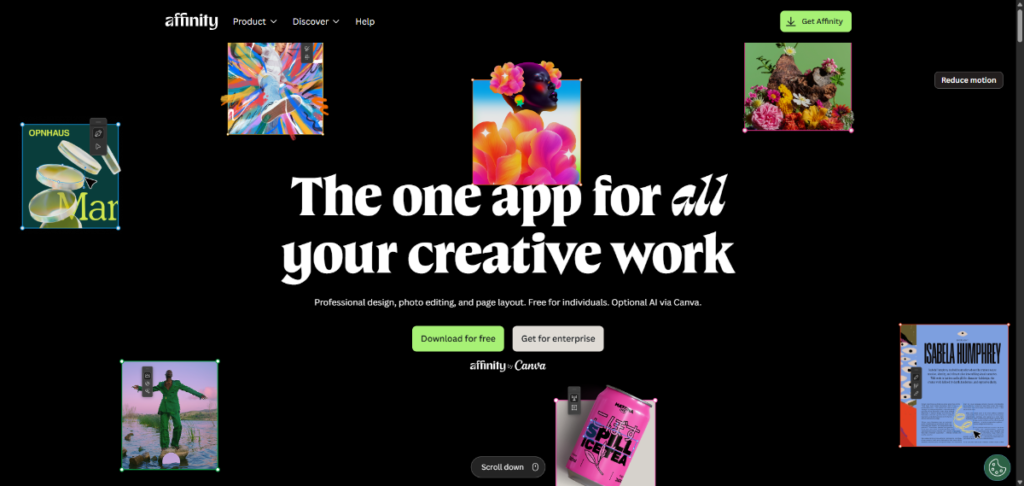
Affinity Designer is for creators who want real design power without Adobe subscriptions.
Unlike browser-first tools, this is professional-grade desktop software.
Why Professionals Respect It:
It combines:
- Vector design
- Illustration
- Print workflows
- Precision editing
- High-performance rendering into one serious package.
Best For:
- Professional designers
- Illustrators
- Brand identity creators
Biggest Drawback:
Definitely not beginner-friendly.
But incredibly powerful once mastered.
Which Canva Alternative Is Best for You?
| Best for Beginners | VistaCreate |
| Snappa | |
| Adobe Express | |
| Best for Agencies | Figma |
| RelayThat | |
| Visme | |
| Best for Professional Designers | Affinity Designer |
| Figma | |
| Best for Branding | Kittl |
| Desygner | |
| Best for Bloggers | Snappa |
| Stencil | |
| Best for Social Media Creators | Adobe Express |
| VistaCreate | |
Best for AI Automation | RelayThat |
| Adobe Express | |
| Kittl |
AI Design Trends Changing Creativity in 2026
The biggest shift happening right now is AI-assisted creation.
Modern design tools are becoming creative assistants rather than just editors.
We’re seeing:
- AI-generated thumbnails
- Prompt-based graphics
- Automatic branding
- AI layout systems
- Smart ad variations
- AI video editing
- Content repurposing automation
And honestly, creators who learn AI-assisted workflows early will likely scale faster than everyone else.
Free vs Paid Canva Alternatives
A lot of creators ask:
“Do I really need a paid design tool?”
The answer depends on your goals.
Free Plans Work Well For
- Students
- Beginners
- Hobby creators
- Small personal brands
Paid Plans Become Worth It For
- Agencies
- Businesses
- Professional creators
- Large content workflows
- Advanced branding
If content creation directly impacts your income, investing in the right platform usually pays for itself quickly.
Common Mistakes People Make When Switching From Canva
- Choosing Only Based on Price: Cheap tools become expensive if they slow your workflow.
- Ignoring Collaboration Features: This becomes a major issue once teams grow.
- Choosing Overly Advanced Software: Not everyone needs professional-level design complexity.
- Ignoring Export Quality: Compression issues can hurt branding badly.
Final Thoughts
The truth is simple:
There is no perfect Canva replacement for everyone.
Some creators need speed, automation, collaboration, and complete design freedom.
That’s why the best Canva alternatives in 2026 are becoming more specialised instead of trying to copy Canva completely.
If you want simplicity with power, Adobe Express is excellent.
Also, you need serious collaboration; Figma dominates.
Or you care about branding aesthetics, Kittl feels refreshing.
And if you run an agency, RelayThat can save countless hours.
The best choice is the one that matches your actual workflow — not just the most popular tool on YouTube.
Because at the end of the day, the right design platform should help you create faster, stay consistent, and make your work feel more original.

Hi there! I’m Nick Cullen. As the Senior Content Editor with Solution Suggest, my responsibility is to scrutinize and refine our articles and reviews, focusing on software solutions, games, apps, and websites. I’m dedicated to delivering reliable and enlightening content that offers viable alternatives to your current digital tools. If you have any suggestions or inquiries, you can reach me at editor@solutionsuggest.com. Also, I invite you to connect with me on LinkedIn!